Installable 3D web app (PWA) · 2026
Magic Cube — 3D browser game
The Magic Cube on gianlucaiunco.com is a 3D take on the Rubik's Cube that runs in the browser, on a computer or a phone, and installs as an app without going through an app store. I built it in October 2026 with Three.js and the help of Claude Code, together with eight lessons on the layer method that have an interactive cube for each case. It also works offline and keeps times and games only in the player's browser.
Context
The Magic Cube, a take on the Rubik's Cube, is the first game in the site's Games section, opened in October 2026. It's my own project: I came up with it and built it with the help of Claude Code, while the decisions, the checks on the lessons and the testing on different phones and browsers are mine. I also use it to try out techniques that carry over to client sites: 3D graphics in the browser, installable apps, videos generated by code.
Goal
I wanted a cube that turns like the real one, with a mouse or a finger, and tells you how long and how many moves it took to solve it. It had to work without accounts, databases or heavy libraries beyond Three.js, and the page had to stay easy to use on a small screen.
What I did
How do you play?
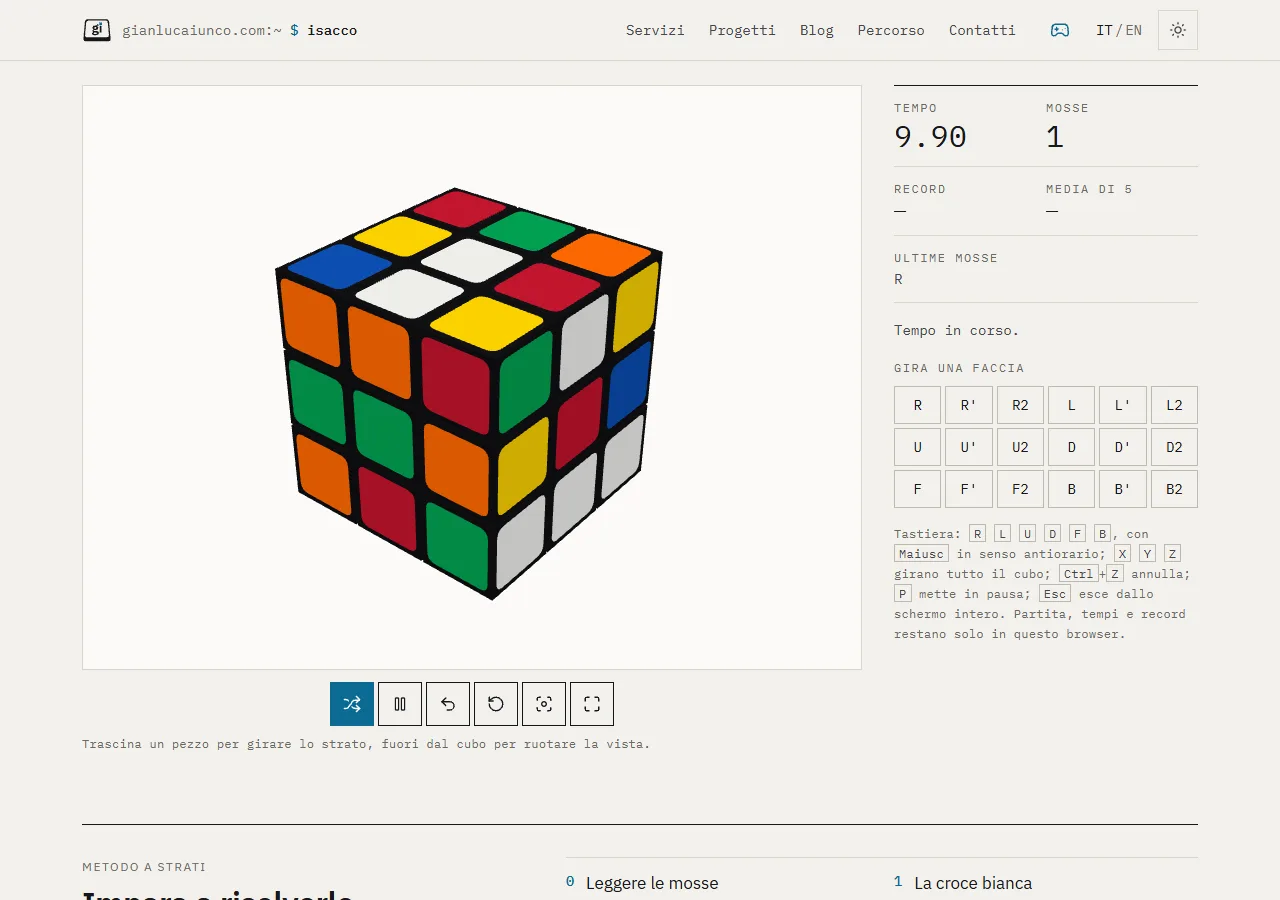
You drag a piece to turn its layer: the layer follows your finger and snaps to the nearest quarter turn when you let go. Dragging outside the cube rotates the view. On a keyboard there are the notation letters (R, L, U, D, F, B and the rest), with Shift for counterclockwise and Ctrl+Z to undo. "Scramble" makes 22 moves, the timer starts on the first move, and pause stops the timer and hides the cube, so nobody can study the position with the clock stopped. Best time and the average of the last five games stay in the browser, with no cookies.
How does it work on a phone?
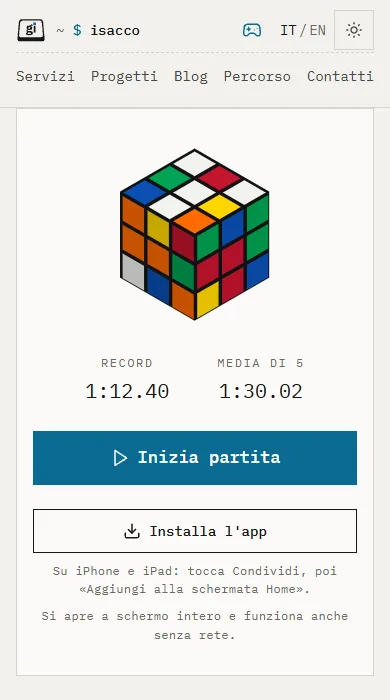
On a phone you play full screen, and the cube installs as an app that also works offline. On the page, instead of the cube, there's a panel with a drawing of the cube, the best time and a "Start game" button; leaving full screen pauses the game, which resumes from the same point. On Android the app installs from the "Install the app" button, on iPhone from the Share menu; a service worker keeps a copy of the page and its files for offline play.
What do the lessons teach?
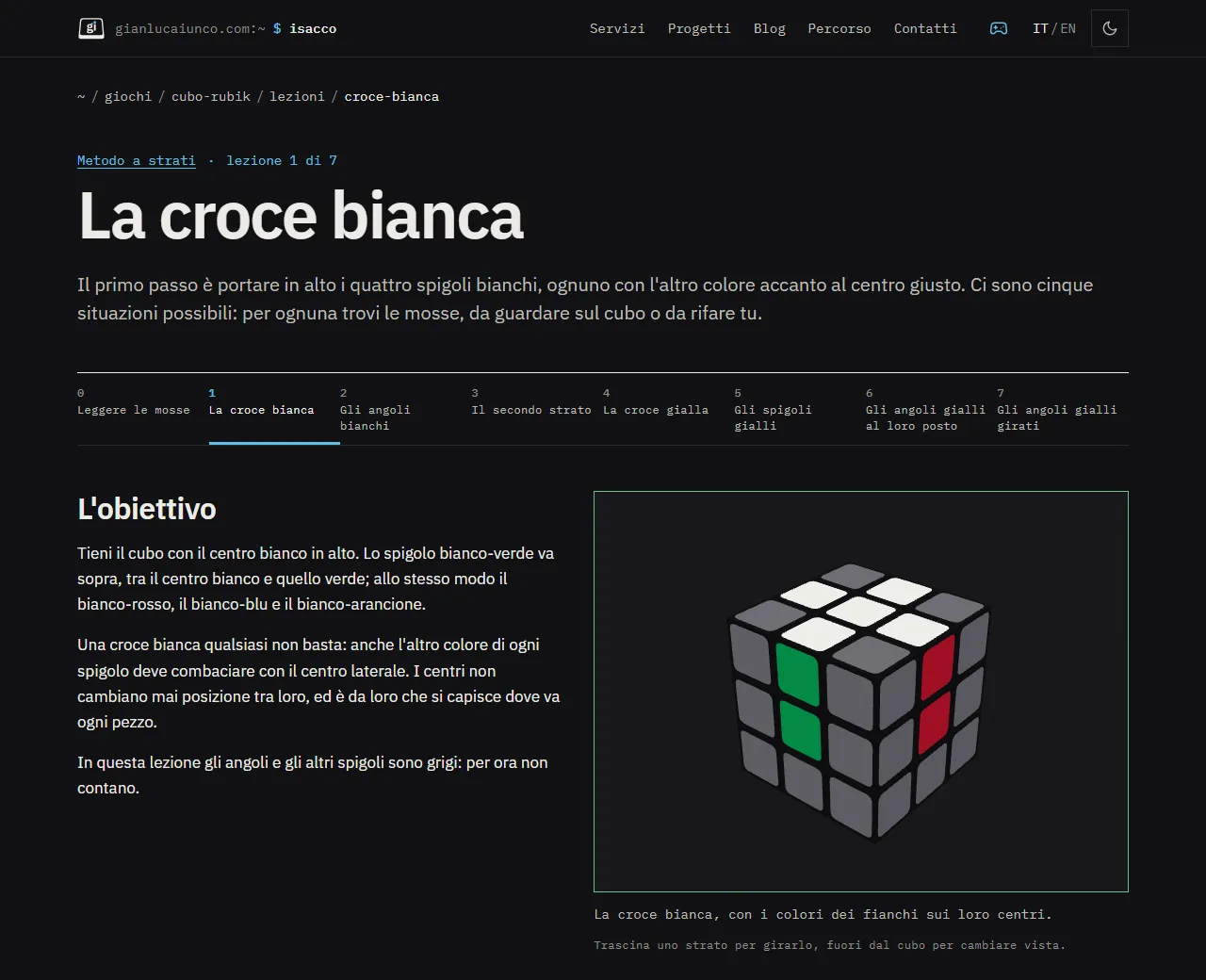
The eight lessons explain the layer method, from notation to the last yellow corners, in Italian and English. Each case has its own cube: it plays the sequence one move at a time, forwards and backwards, greys out the pieces that don't matter at that point and recognises when the goal is reached, even when you turn the cube by hand.
How are the social videos made?
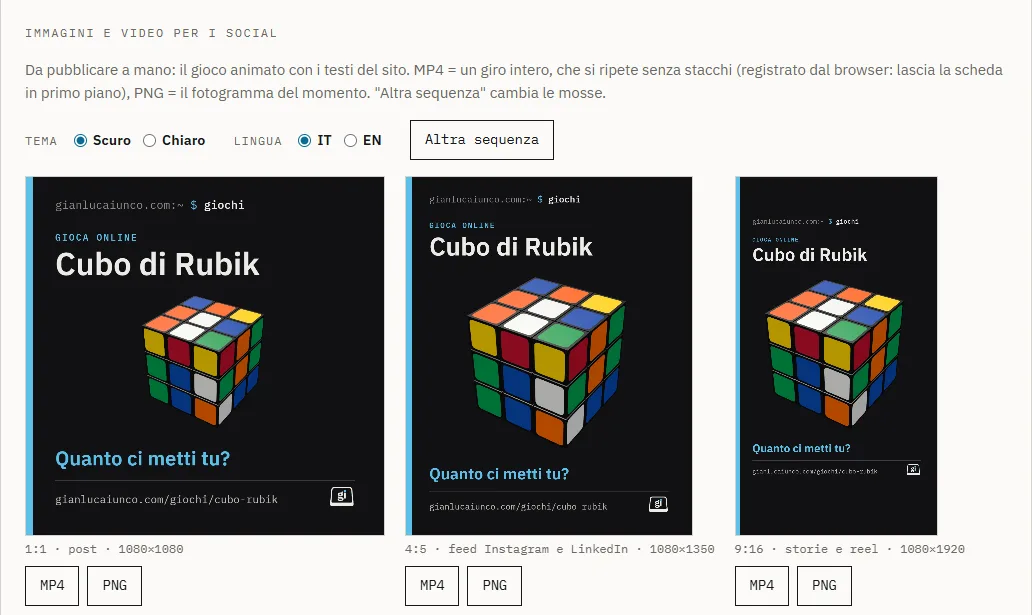
From the site's admin panel I generate MP4 videos for posts, feeds and stories, light or dark, in Italian or English. The cube runs a sequence picked by the code that brings it back to the starting position after three or four repetitions, so the video loops without a visible cut. The image shown when someone shares the link is also generated by the server.
The hardest part
- The lessons had to be right. Each case starts from the solved cube and applies the sequence in reverse, so the text has to describe exactly that position. I wrote a test page that uses the game's own engine and checks where every piece ends up: it found one wrong sentence in a lesson, fixed before release.
- The video jumped when it restarted. Recording the screen live left a duplicate frame between the end and the start. Now the video is built frame by frame with WebCodecs, at exactly 30 frames per second, and the last frame stops one step before the first.
- Full screen on phones. Browser full-screen mode behaves differently on Android and iPhone, so the game fills the window with CSS and the phone's Back button closes it the way it would leave a page.
- The app outside its folder. The game page and the service worker live at different addresses: the server sends a header that allows the worker to control the game page, and only that page.
Result
The game and the lessons are live at /en/games/magic-cube and the cube installs as an app on phones. If you need an app your customers can install from your website, offline too and without publishing it on the app stores, see what I can do on the services page.
Images